About JobOfferMaster
One place for the work behind every application.
JobOfferMaster is best for the first job search after graduation, when every role brings a new form, resume decision, follow-up, and interview. It also works for experienced applicants who want the same workflow without a spreadsheet.
Save
the role and posting
Apply
with a reviewed profile
Prepare
materials and answers
Track
follow-ups and interviews
The product loop
A job search is more than a list of links.
JobOfferMaster keeps the context around each opportunity, so the information you collect once is still useful when the form, follow-up, or interview arrives.
Save the role
Capture the company, title, posting, and job link from LinkedIn before the details disappear.
Complete the application
Reuse a reviewed profile on supported ATS forms and draft answers to job-specific questions.
Keep the context
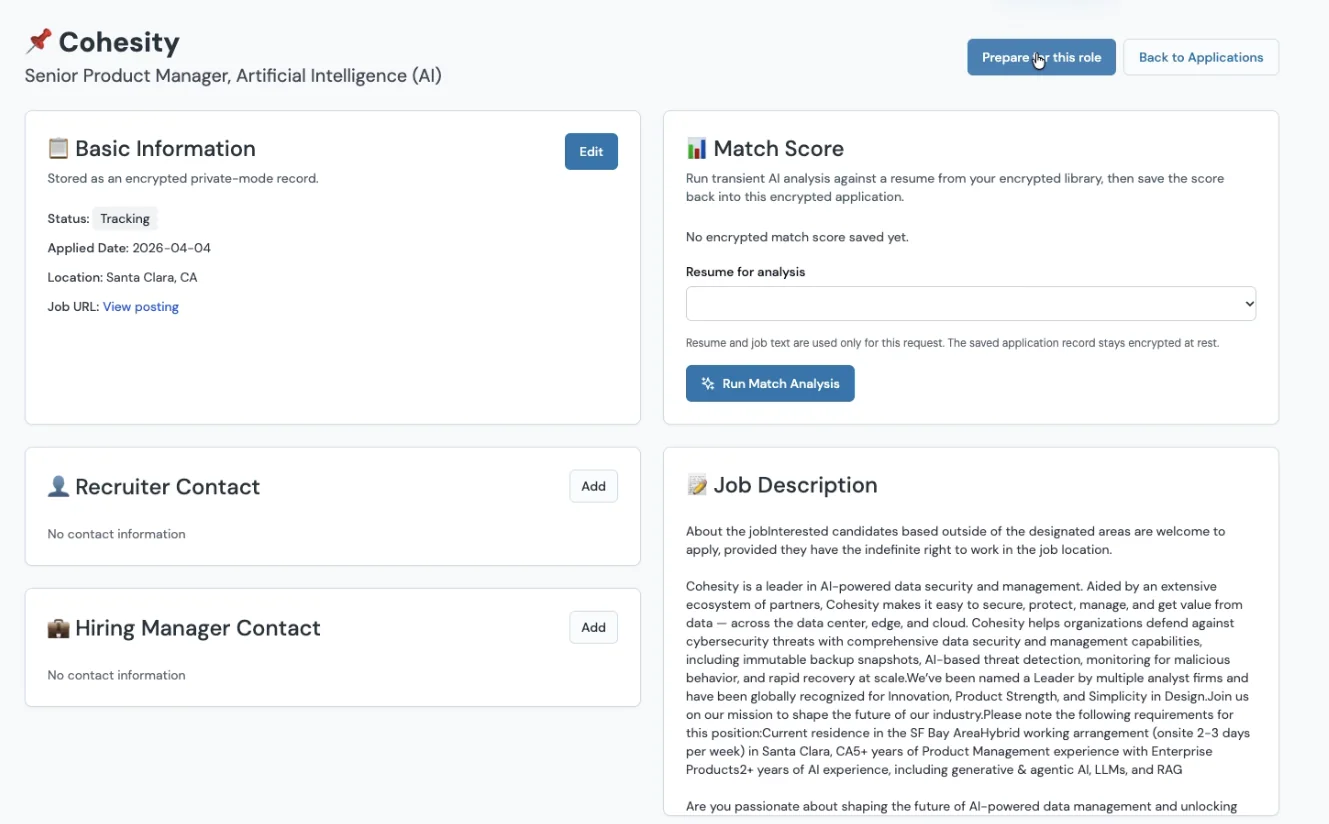
Store applications, resume versions, notes, contacts, and interview dates in one workspace.
Prepare for what comes next
Create tailored resume and cover-letter drafts, then practice questions connected to the role.
Who it is for
Best for new graduates. Useful well beyond graduation.
New graduates
Build the first complete application profile and reuse it across unfamiliar career sites.
High-volume applicants
Move through repeated forms faster without losing the details that make each role different.
Spreadsheet switchers
Bring job links, documents, notes, status changes, and interviews into one connected record.
Product principles
Clear boundaries build a more useful tool.
Automation should remove repetitive work without hiding what it did or taking the final application decision away from you.
Private by default
Supported profile, application, resume, and interview records are encrypted before storage.
Review before action
You check imported profile details, generated drafts, and application answers before using them.
Named platform coverage
The supported ATS directory states where dedicated matching exists instead of hiding behind a broad claim.
One durable workspace
The job posting, application, preparation materials, and interview timeline stay connected.
Explore JobOfferMaster
Go directly to the page you need.
These are the current product, support, and trust resources.
Your next application